How to sell CS2 skins: Steam and cash sales
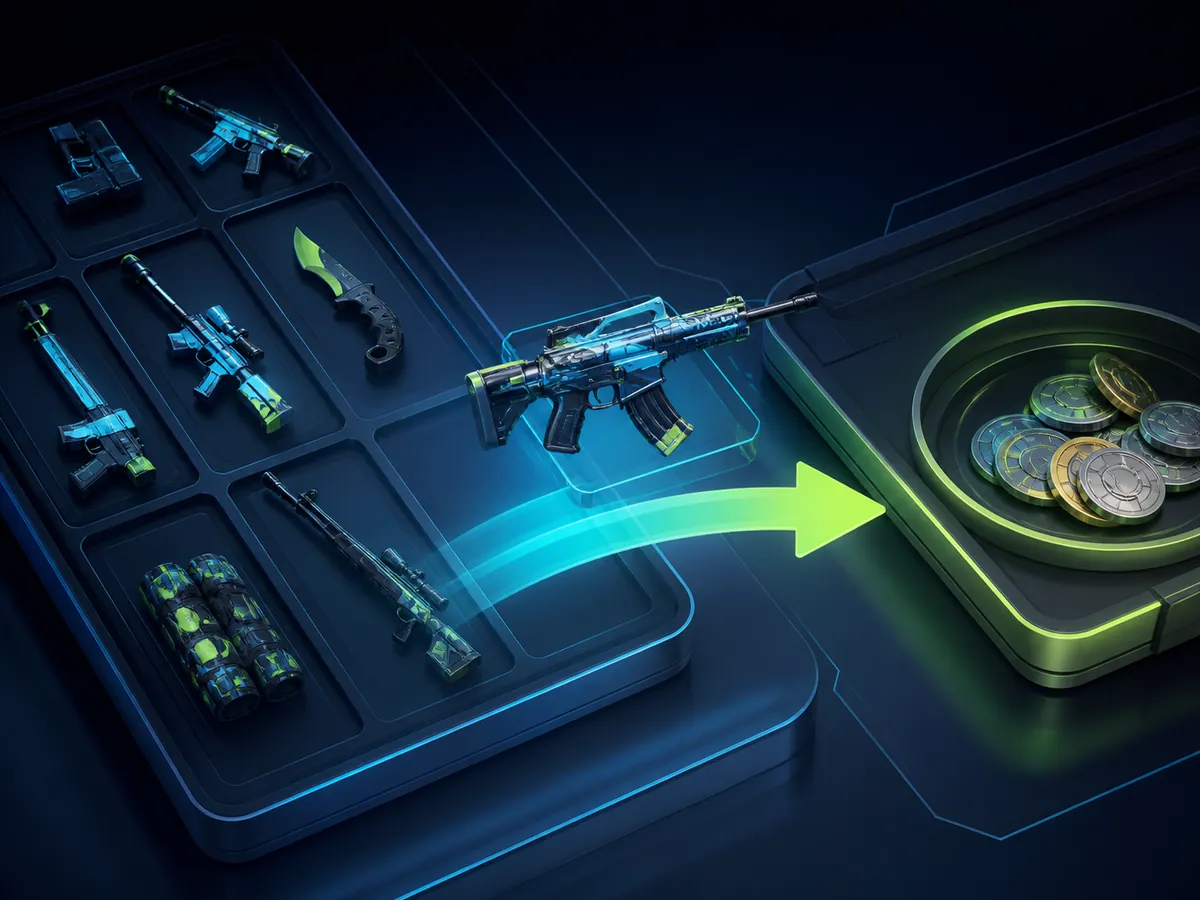
Before selling, decide what you want to receive: Steam Wallet funds for future purchases or money outside Steam. These routes have different prices, fees and risks. Compare the amount you keep, not the largest number on a listing.
Choose a sale route, compare net proceeds and verify the item and recipient. Understand why Steam Wallet credit is different from a cash sale.
Selling through the Steam Community Market
Open your inventory, select the correct item and choose Sell if that option is available. Inspect its exterior and any unusual float, pattern or stickers before pricing it. Compare recent sales and current listings for the same variant; an ordinary listing may be a poor benchmark for a collector’s item.
Enter the price and read both the buyer’s total and your net proceeds in Steam’s confirmation form. Check the currency, confirm the listing and review any confirmation requested by the Steam app. Once sold, the proceeds go to Steam Wallet. A listing is not a completed sale, and matching the highest asking price does not guarantee a buyer.
Cash sales require a separate assessment
A third-party sale adds counterparty and service risk. Check the service’s official domain, supported withdrawal method, country restrictions, fees and current terms before transferring an item. Calculate the net cash amount after all charges. Never rely on a stranger’s screenshot or a payment promise inside a Steam trade message.
If a service uses a trading bot, obtain the exact expected recipient from your own authenticated transaction page. Verify that recipient and every item again in Steam’s confirmation screen. Names and avatars can be copied. Cancel if anything differs, or if someone asks for a ‘verification trade’, a Steam Guard code or your password. An expensive skin is not the place to skip a check for speed.
Frequently asked questions
Can I withdraw a Community Market sale to my bank?
No. A Community Market sale credits Steam Wallet. It does not create a bank withdrawal option.
Why has my skin not sold?
Your price may be above recent trades, demand may be low, or the item may appeal to a small group of collectors. Check comparable completed sales and competing listings.

Steam Market fees: buyer total and seller proceeds
Understand how Steam Market fees affect the amount you receive. Use the confirmation form and calculate break-even prices without percentage mistakes.
Read guide
Can you withdraw Steam Wallet funds?
Understand the difference between Steam Wallet credit, a refund and selling an eligible item elsewhere. Avoid services promising guaranteed wallet withdrawals.
Read guide